
Spending Tracker App: See Where Money Goes Without Guilt
A spending tracker app helps you log purchases, spot patterns, and adjust budgets. Learn habits and how Atlantic Finance on iPhone and iPad keeps it simple.
A spending tracker app answers one uncomfortable question kindly: where did it go? Not to shame you—to show patterns you can change next week.
This article is for general education only and is not financial, tax, or legal advice.
The problem
Bank apps list transactions but rarely show category truth or budget context. You see $642 at a big-box store—not that $180 was household, $90 was gifts, and the rest pushed Dining over cap.
Why spending feels invisible
- Card + cash + partner spends never meet in one view
- Buy now, pain later—charges post days after the decision
- Emotional avoidance—you stop opening tools that feel judgmental
- No weekly rhythm—only panic at month-end
Tracking is not about perfection. It is about feedback fast enough to steer.
A simple spending tracker habit
Log at the moment (or same day)
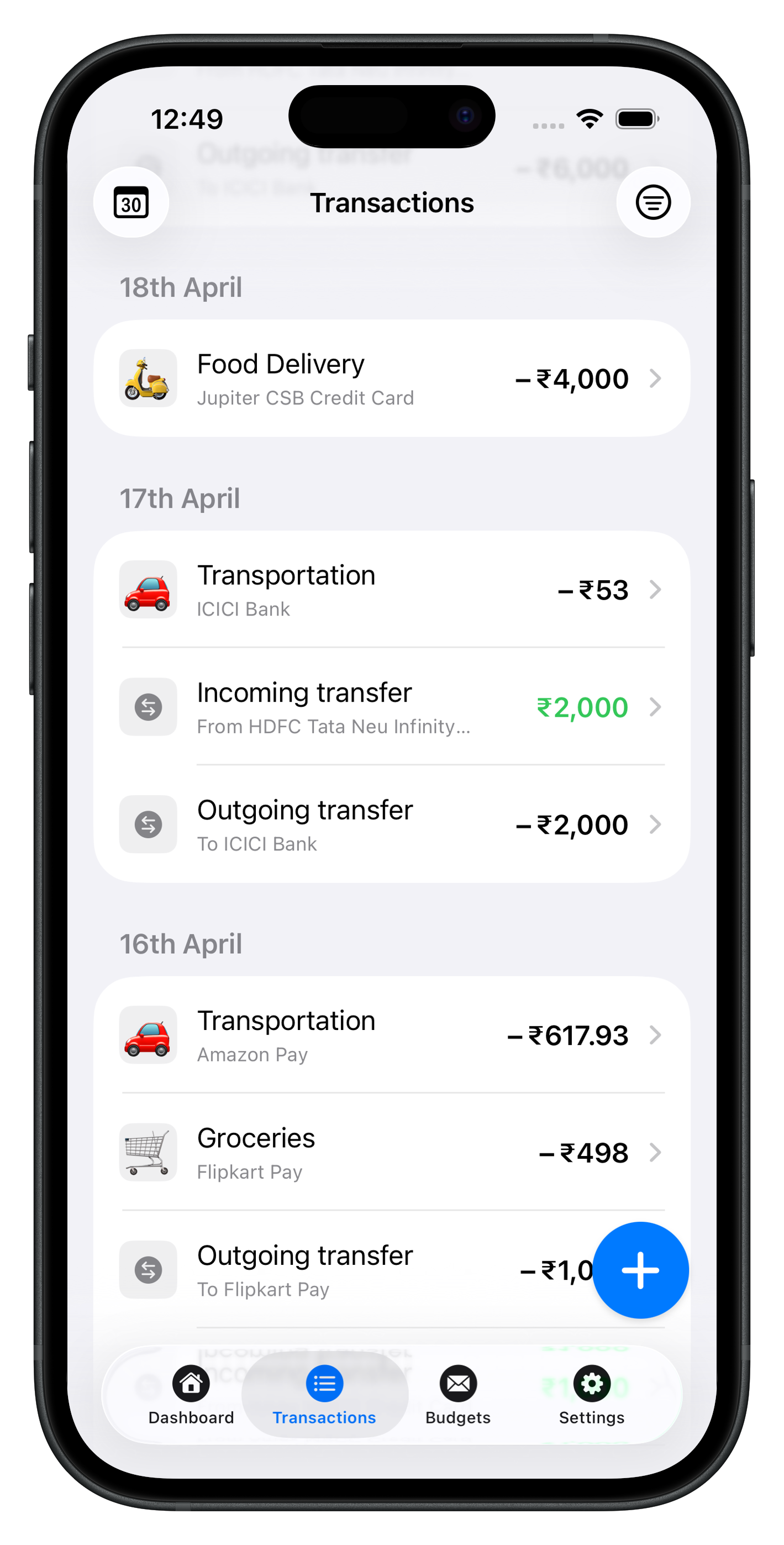
- Amount, account, payee, category
- Split mixed carts when it matters (groceries vs household)
- Note reimbursable work costs immediately
If you batch, pick one daily alarm—not “someday this weekend.”
Use categories you will remember
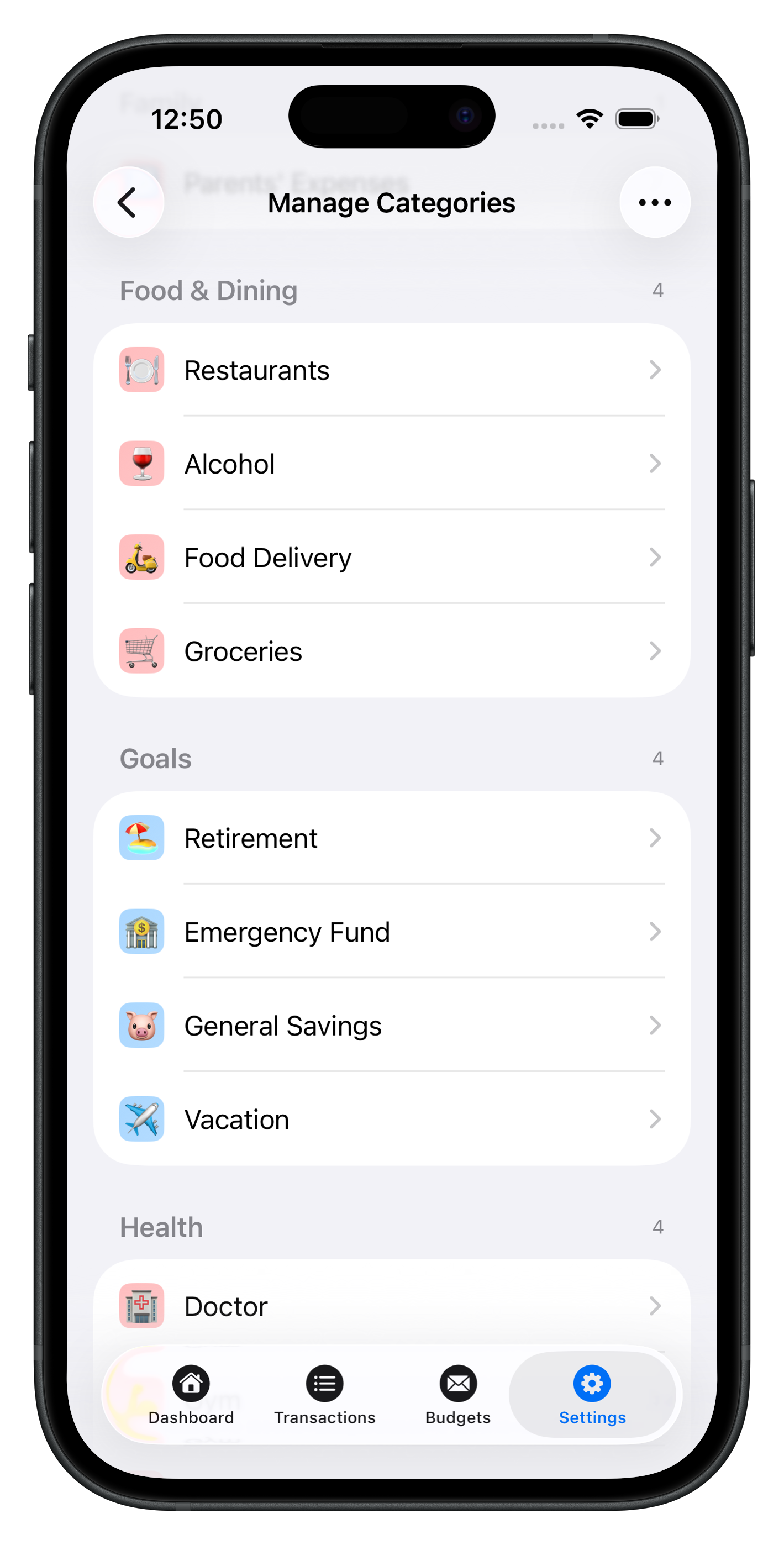
Ten to fifteen labels beat forty you abandon. Examples: Groceries, Dining, Transport, Kids, Pets, Fun, Subscriptions.
Review weekly (five minutes)
- Top three categories by spend
- Any surprise merchants?
- One category to watch next week
Review monthly (fifteen minutes)
- Compare totals to budget caps
- Ask: one-time spike or new normal?
- Adjust one cap for next month
Patterns worth watching
| Pattern | Often means |
|---|---|
| Dining up, groceries flat | Convenience creep |
| Subscriptions steady climb | Forgotten trials |
| Transport spike | Fuel prices or new commute |
| Fun flat but stress high | Hidden spending in other categories |
Privacy and awareness
Manual logging increases awareness— you notice the $14 lunch because you typed it. If you later add bank import elsewhere, keep categories consistent.
Atlantic Finance is local-first on iPhone and iPad: fast logging offline, optional sync when you want the same picture on two devices (Sync & privacy).
Atlantic as your spending tracker
Transactions, categories, payees, and budgets live together—so “how much left in Dining?” uses the same data as your log. Export when you need CSV; see Atlantic Pro for more.
Read the blog for review rituals and Support for setup help.
See Atlantic on iPhone & iPad
Local-first speed, clear categories, and budgets that update as you log—no cluttered dashboards.
Download Atlantic Finance
Track your expenses, budgets, bills, and savings in one simple app.
Free to start on iPhone and iPad. Optional sync when you use more than one device.


FAQ
What is the difference between spending and expense tracking?
They overlap. Spending tracking emphasizes patterns and totals by category; expense tracking often includes every outflow including bills. Use one app with categories that cover both.
How do I track cash spending?
Log cash purchases when they happen, or reconcile weekly from receipts. A dedicated cash account in the app keeps paper money visible.
Should I track every small purchase?
Yes at first—small leaks teach habits. Later you can batch immaterial cash spending if you stay honest in weekly reviews.
How do I reduce spending without cutting everything?
Pick one category per month to improve. Compare week-over-week totals; swap one habit (meal prep) instead of vague vows to spend less.
Does Atlantic show spending by category?
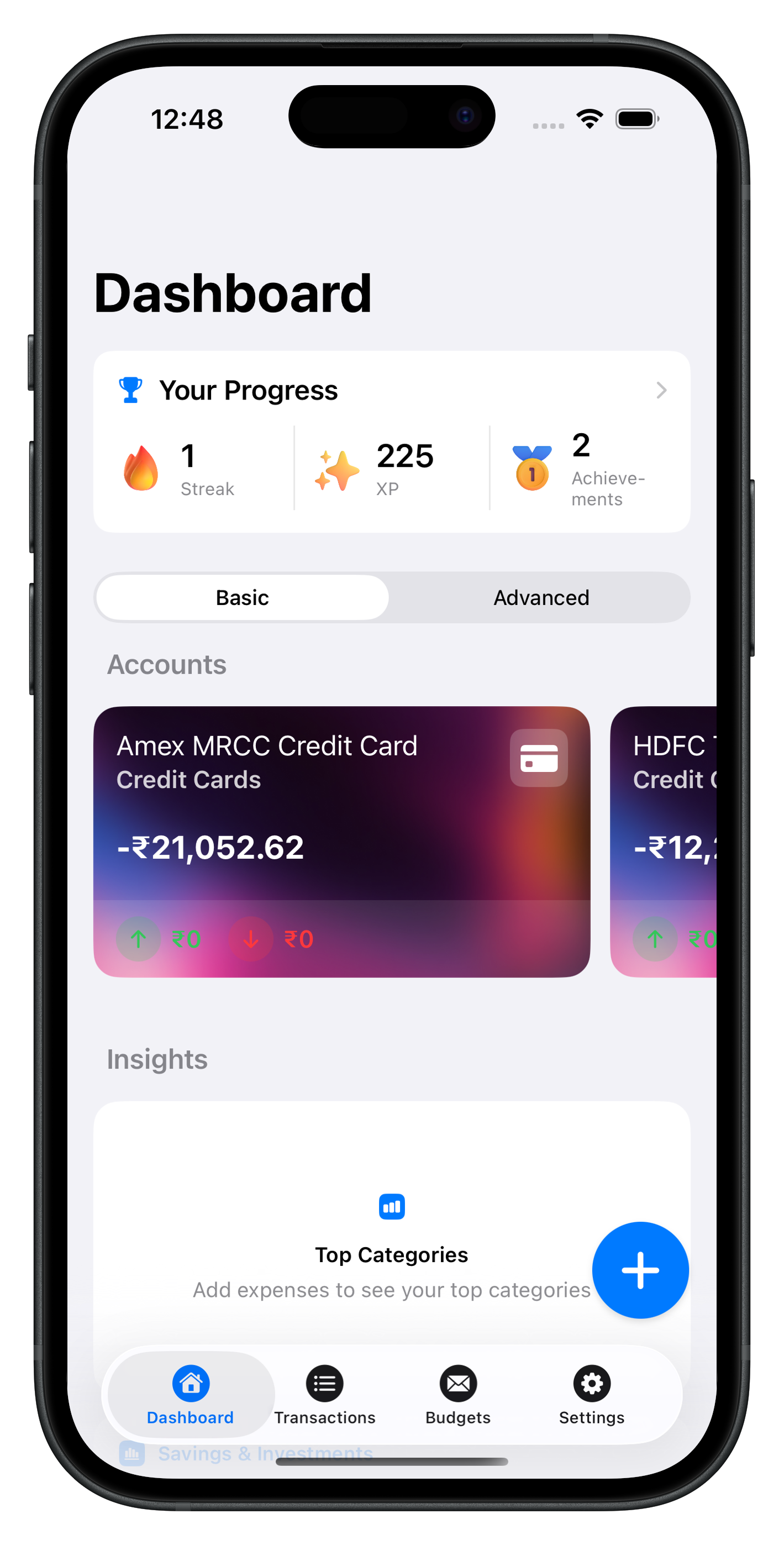
Yes. Log to categories and budgets; the dashboard and budget views show month-to-date spending and what is left in each line.