
Bill Tracker App: Never Miss a Due Date Again
A bill tracker app helps you see due dates, amounts, and cash flow in one place. Learn setup, reminders, and how Atlantic keeps bills organized on iPhone.
A bill tracker app turns scattered due dates into one calm list—rent on the first, insurance mid-month, subscriptions renewing in the background—so checking your balance is not a surprise.
This article is for general education only and is not financial, tax, or legal advice.
The problem
Missed payments cost late fees, stress, and sometimes credit damage. Calendar pings help for one date but fail when amounts change, cards expire, or autopay pulls early.
What goes wrong without a bill system
- Forgotten annual renewals while traveling
- Variable utilities that blow a “normal” month
- Split autopay—some bills on card, some on debit—with no net view
- Household confusion—“I thought you paid internet”
Sticky notes and memory do not scale past a handful of obligations.
A simple way to use a bill tracker app
1. List every recurring obligation
Include housing, utilities, insurance, minimum debt, subscriptions, and memberships. Use payee names that match bank statements.
2. Set amount, cadence, and next due date
| Type | How to track |
|---|---|
| Fixed (rent) | Exact recurring amount |
| Variable (power) | Last month’s figure; update when billed |
| Annual | Yearly recurrence + monthly sinking fund |
Mark autopay bills so you do not pay twice manually.
3. Map bills to cash-flow weeks
Stack bills under each paycheck week. If outflows beat inflows, move money early or adjust due dates with providers when possible. Keep one week of essential bills as checking buffer.
4. Weekly and monthly routines
Weekly (five minutes): scan the next seven days; confirm autopay cleared; flag manual pays.
Monthly (fifteen minutes): compare recurring templates to statements; cancel one unused subscription; update variable amounts for next month’s budget.
5. Credit cards as bill hubs
Route subscriptions through one card if you like—but still list each subscription in the tracker. The card payment is a transfer, not a black box that hides Hulu, phone, and cloud storage.
Features worth comparing
- Recurring intervals (weekly, monthly, yearly)
- Offline access
- Budget lines tied to bill categories
- Export for records
- Clear privacy—local-first if you prefer on-device control
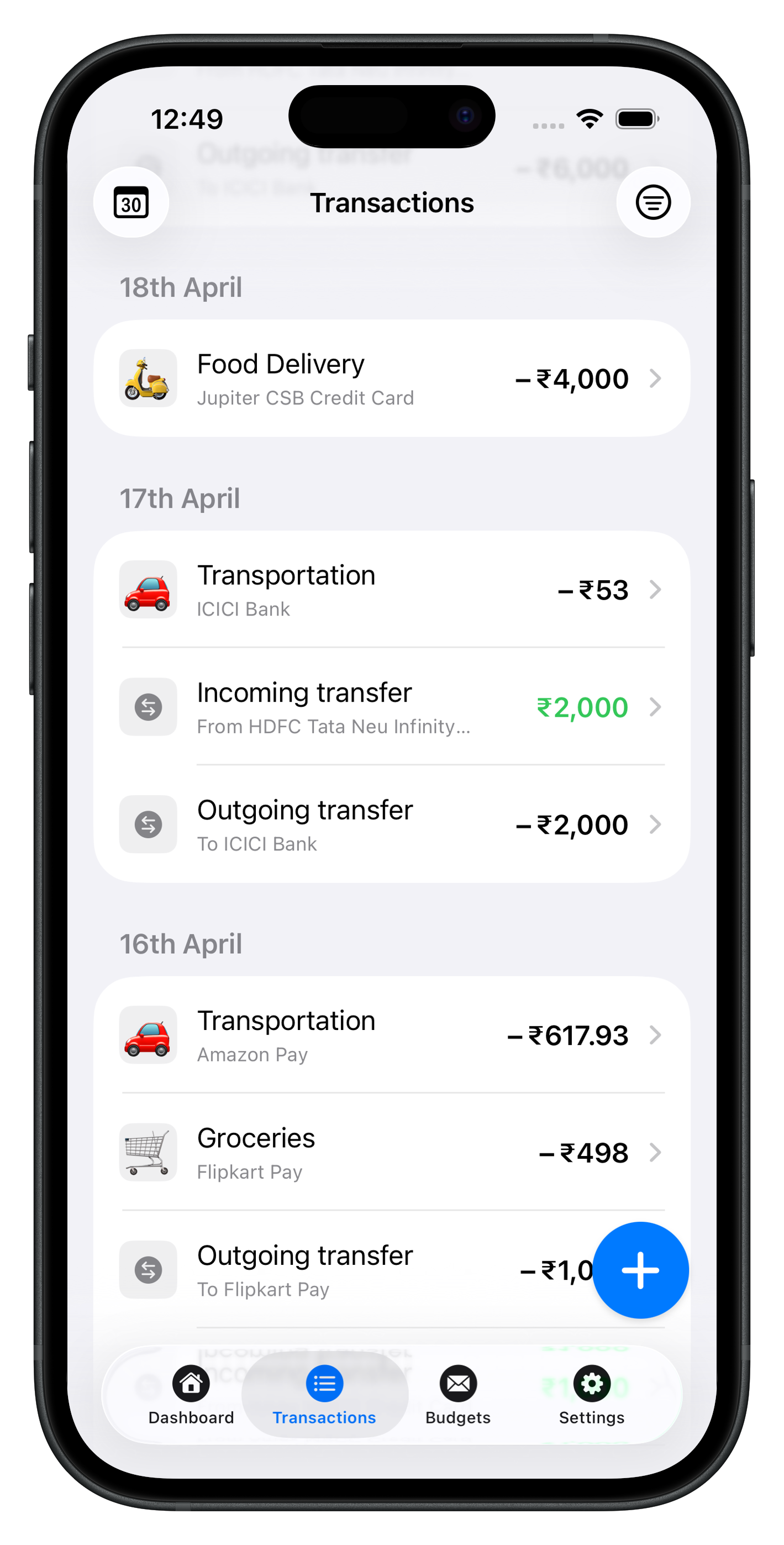
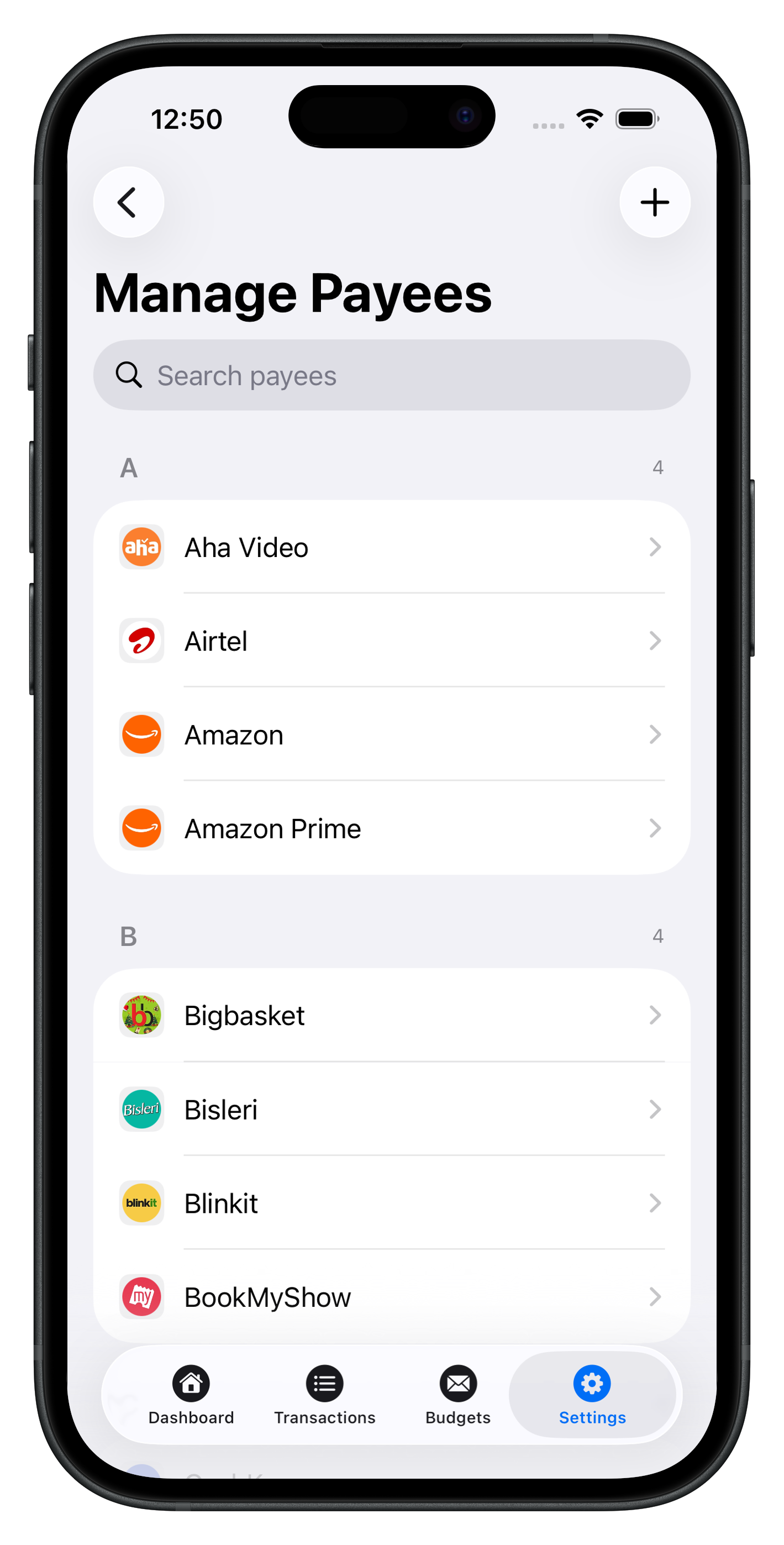
Atlantic Finance on iPhone and iPad combines recurring entries, payees, budgets, and transactions locally first. Optional sync mirrors data across Apple devices—see Sync & privacy.
Atlantic as your bill tracker
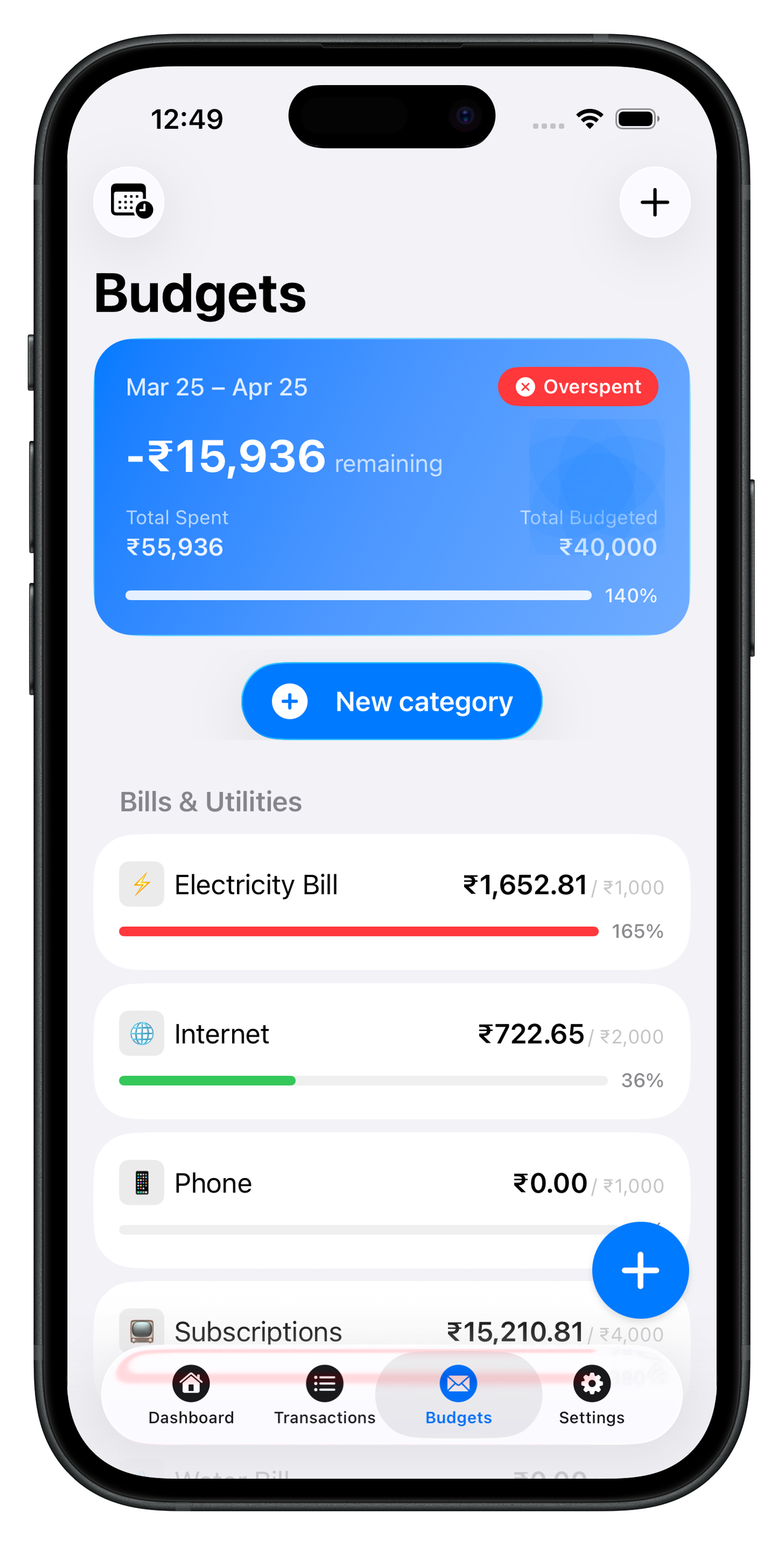
Set rent, insurance, and subscriptions as recurring templates. When charges post, confirm amounts in seconds. Budget caps for Utilities or Subscriptions warn you before discretionary spending absorbs a rate hike.
Pair with the blog, explore Atlantic Pro, and visit Support for help.
See Atlantic on iPhone & iPad
Local-first speed, clear categories, and budgets that update as you log—no cluttered dashboards.
Download Atlantic Finance
Track your expenses, budgets, bills, and savings in one simple app.
Free to start on iPhone and iPad. Optional sync when you use more than one device.


FAQ
What should I track in a bill tracker app?
Recurring obligations with expected amounts and due timing: rent, utilities, insurance, subscriptions, and minimum debt payments. Skip one-off shopping unless it is a planned annual fee.
How is a bill different from a transfer?
Moving money to savings is not a bill. Paying a merchant or lender on a schedule is. Tag transfers separately so your upcoming obligations list stays honest.
Should I track bills paid on a credit card?
Yes—log each subscription when it posts to the card. The card payment from checking is a transfer, not a substitute for knowing what renews inside the balance.
How do I handle variable utility bills?
Use last month’s amount as the placeholder; update when the new statement arrives. Budget a monthly average plus a small buffer for summer/winter swings.
Can Atlantic remind me before bills are due?
Use recurring transactions as your source of truth for amounts, plus a weekly bill review habit. iOS notifications and calendar alerts can supplement the app—see Support for setup tips.