
Budget Planner App: Plan Money Without Spreadsheet Fatigue
Learn what a budget planner app should do, how to set monthly caps, and why Atlantic Finance on iPhone and iPad keeps plans tied to real spending.
A budget planner app answers a different question than a bank app. Banks tell you what already left the account. Planners tell you what may leave—and whether you still have room for Friday dinner or next week’s car payment.
This article is for general education only and is not financial, tax, or legal advice.
The problem
Many people “budget” only after money is gone. They open a banking app, feel stressed, close it, and repeat next month. Spreadsheets work until life gets busy; then formulas sit untouched and categories stop matching reality.
Planning without a system fails
- Bills and goals fight for the same dollars because nothing is reserved upfront
- Irregular costs (insurance, gifts, car repair) wreck “normal” months
- No shared picture when partners guess instead of looking at one plan
- All-or-nothing thinking—one overspend feels like the whole month is ruined
Why generic advice does not stick
Rules like “spend less on coffee” ignore your real constraints: rent timing, childcare, medical copays, or commission income. You need a budget planner app that reflects your categories and updates when you log spending—not a static PDF template from three years ago.
A simple way to use a budget planner app
Use one monthly plan, one weekly check-in, and categories tied to how money actually moves.
Step 1: List money in and money out
Income (take-home pay, side income, predictable transfers in) minus fixed obligations (rent, utilities, minimum debt, insurance) leaves flexible cash. That flexible pool is what you divide across groceries, dining, fun, and savings—not your gross salary on paper.
Step 2: Set category caps you can defend
For each category, ask: “If I hit this number, would I still pay essentials and save something?” Start with last month’s actual totals, then trim one discretionary line by a realistic amount—not everything at once.
| Category type | Planning tip |
|---|---|
| Fixed bills | Match recurring charges in the app |
| Variable (food, fuel) | Use last month + 5% buffer |
| Sinking funds | Divide annual costs by 12 |
| Savings | Pay yourself like a bill |
Step 3: Log spending in the same categories
When dining logs to Dining—not “Shopping”—your plan stays honest. Payees and recurring entries reduce typos. Transfers between your own accounts should not count as spending.
Step 4: Weekly five-minute review
Each week:
- Which categories are above 75% of cap with half the month left?
- Any surprise charges to reclassify?
- One small adjustment (move $40 from Fun to Groceries, skip one delivery order)
Monthly, compare every cap to reality and change one line for next month. Compounding small fixes beats a January overhaul you abandon by February.
Planner features that matter
- Budget lines linked to categories you already use
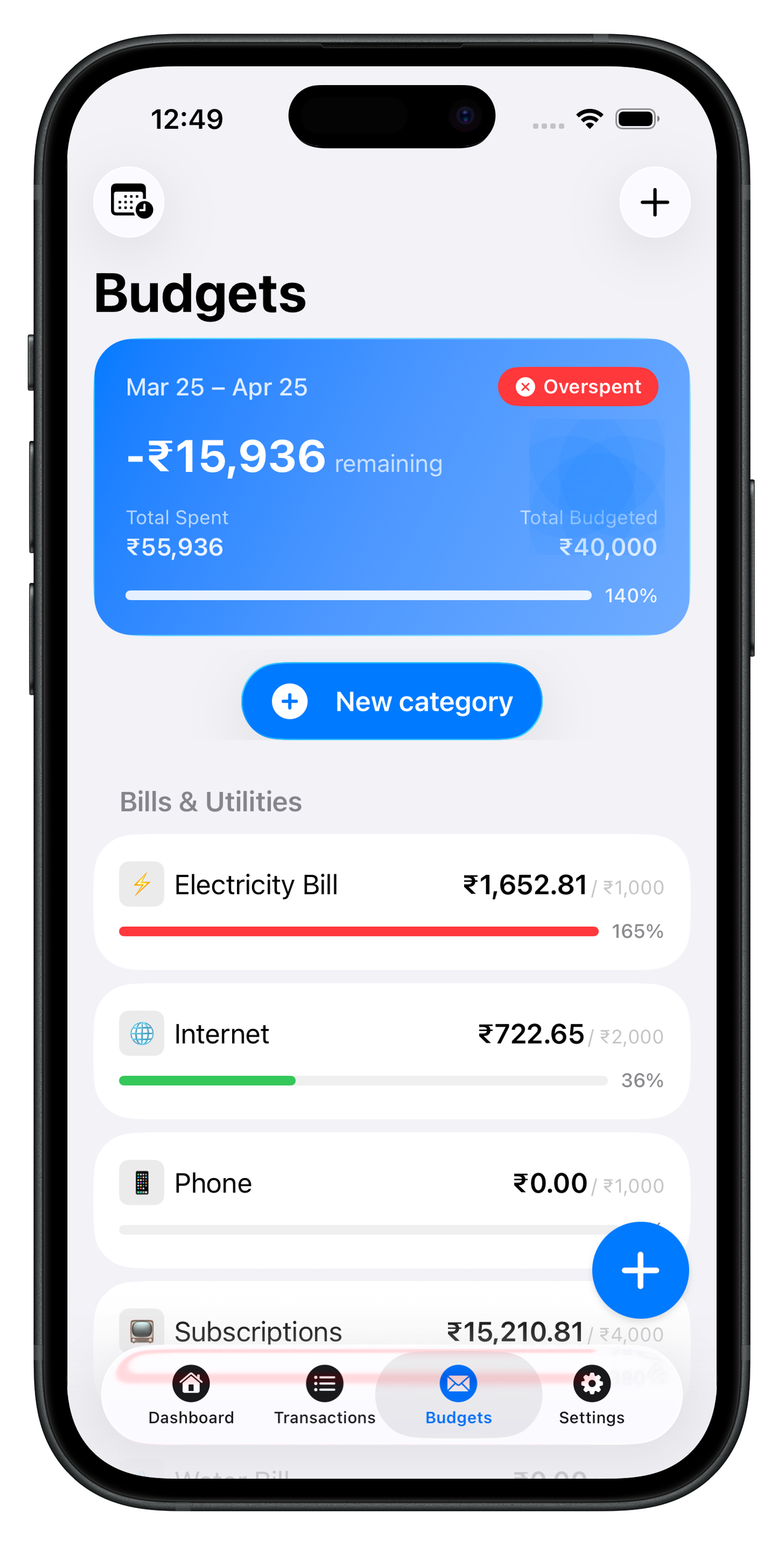
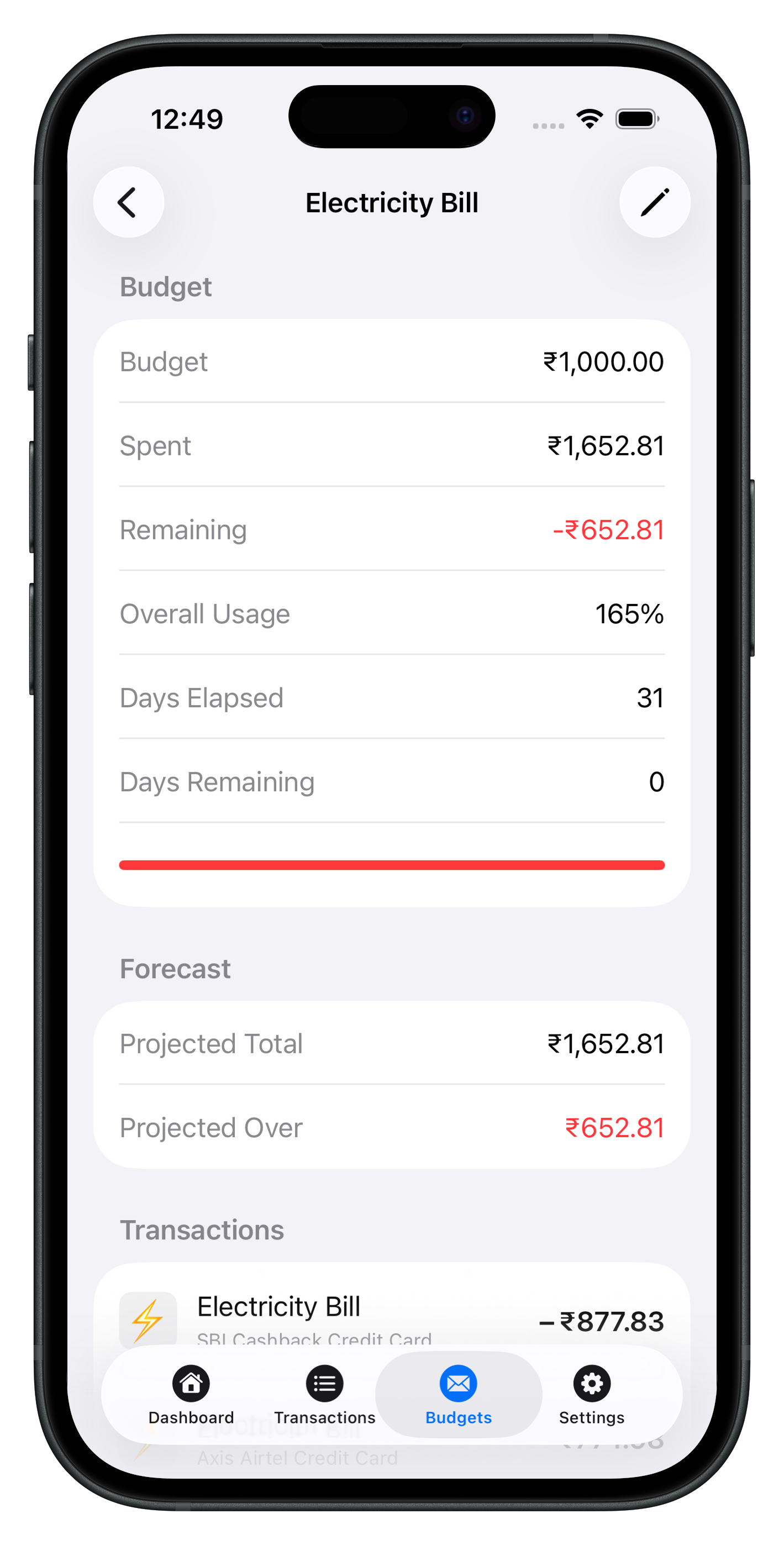
- Progress bars or “remaining” per line—not only historical charts
- Offline access on phone (planes, spotty service)
- Export for taxes or a partner
- Clear privacy policy—especially if sync is optional
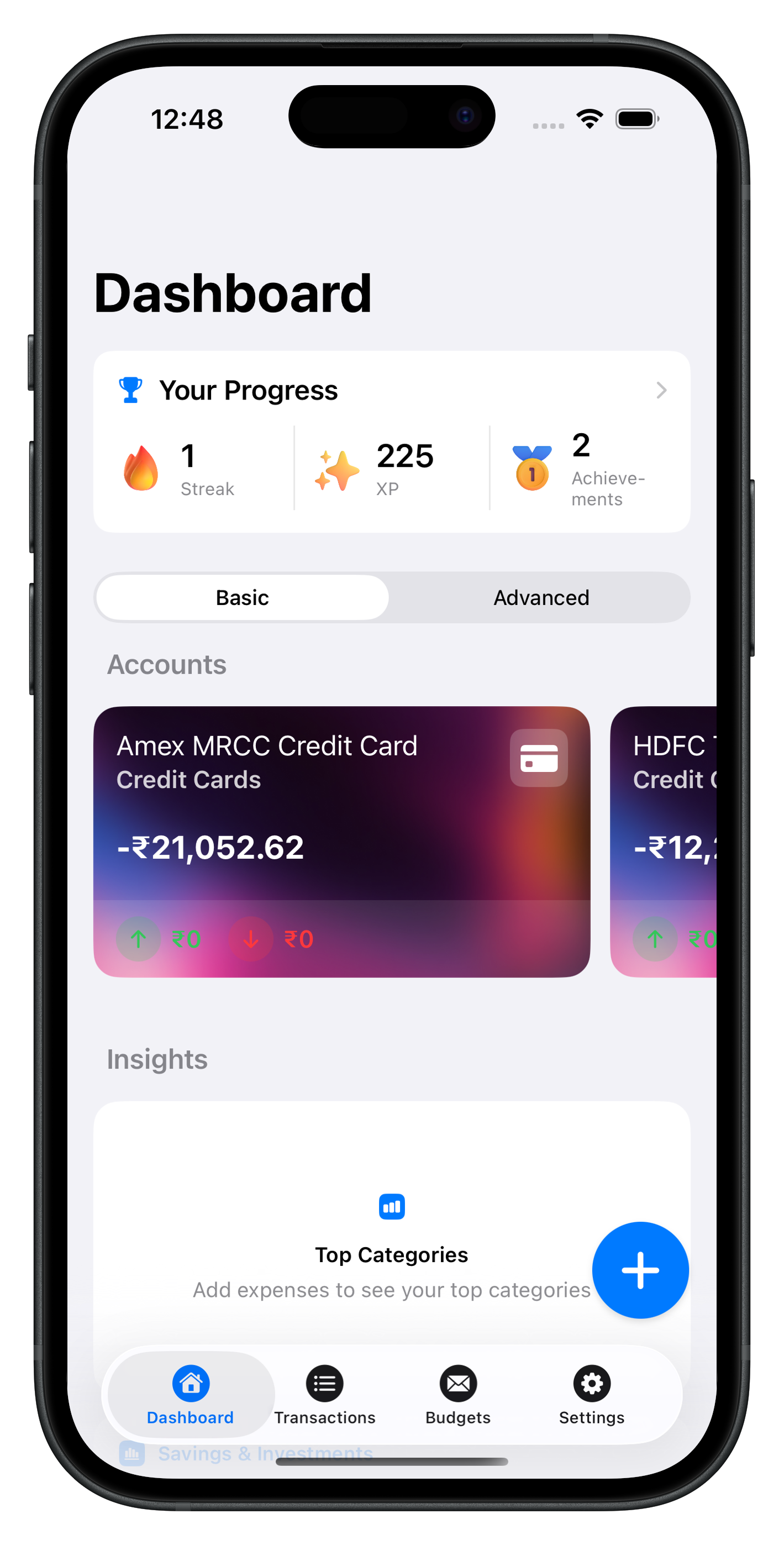
Atlantic Finance keeps budgets beside transactions on iPhone and iPad. Local-first storage means planning still works without waiting on the network. Optional sync and details are in Sync & privacy.
Putting it together with Atlantic
Create monthly budgets that mirror your real life—rent, groceries, subscriptions, savings. As you log, each line shows spent and remaining. Atlantic is designed for that loop, not for wall-to-wall analytics you never open.
Explore Atlantic Pro for heavier export and limits, read the blog for weekly review habits, and contact Support for setup questions.
See Atlantic on iPhone & iPad
Local-first speed, clear categories, and budgets that update as you log—no cluttered dashboards.
Download Atlantic Finance
Track your expenses, budgets, bills, and savings in one simple app.
Free to start on iPhone and iPad. Optional sync when you use more than one device.


FAQ
What is the difference between tracking and planning?
Tracking records what already happened. Planning sets targets before you spend—category caps, savings goals, and room for bills. The best budget planner app connects both so progress updates as you log.
How many budget categories do I need?
Start with ten to fifteen that match how you actually spend: housing, groceries, transport, dining, subscriptions, savings, and a catch-all miscellaneous. Add detail only when a single bucket hides problems.
Should my budget match my paycheck or the calendar month?
Either works. Salary-based planners align categories to pay dates; calendar-month budgets are simpler for shared bills. Pick one rhythm and review on that schedule for twelve months before switching.
Can Atlantic plan budgets offline?
Yes. Budgets and transactions are stored on device first. Optional sync aligns iPhone and iPad when you enable it.
What if I go over budget mid-month?
Treat it as information, not failure. Move money from a flexible category, pause discretionary spending, or raise the cap if the target was unrealistic. The app shows the gap early so you can adjust before the month ends.