
Monthly Budget Template: A Practical Structure That Lasts
Build a monthly budget template you will actually use—categories, buffers, and weekly reviews—with Atlantic Finance on iPhone and iPad.
A monthly budget template is not a fancy spreadsheet—it is a repeatable map of where each dollar should go before the month spends it for you. The best template is boring enough to reuse and clear enough that a five-minute weekly check-in feels worthwhile.
This article is for general education only and is not financial, tax, or legal advice.
The problem
Downloaded templates often die in a folder because they do not connect to daily spending. You fill cells on the 1st, life happens on the 12th, and by the 20th you are guessing again.
Where templates break down
- Too many categories—you cannot remember if coffee is Dining or Personal
- No link to transactions—the template says $400 groceries while the bank says $590
- Ignored irregular costs—December gifts or August school fees “come out of nowhere”
- Partner mismatch—two people maintain different versions
The real goal
You want a structure that answers: “After bills and savings, what is safe to spend this week?” A monthly budget template should make that obvious without a finance degree.
A simple monthly budget template you can reuse
Copy this outline into Atlantic Finance or your planner of choice. Adjust amounts to your household; keep category names stable month to month.
Income block
- Paycheck(s) (net, not gross)
- Predictable side income
- Other inflows you actually rely on
Fixed obligations (pay these first)
- Housing (rent / mortgage / HOA)
- Utilities and internet
- Insurance (health, auto, renters)
- Minimum debt payments
- Childcare or tuition on a fixed schedule
- Subscriptions you intend to keep
Variable spending (weekly awareness)
- Groceries
- Transport (fuel, transit, parking)
- Dining & delivery
- Personal care
- Household supplies
- Fun / hobbies (one line beats five micro-lines)
Savings & sinking funds
- Emergency fund contribution
- Retirement / IRA (if not payroll-deducted)
- Sinking: car maintenance
- Sinking: gifts & holidays
- Sinking: medical / FSA true-ups
- Other goals (vacation, down payment)
Buffer line
Keep a small miscellaneous or buffer category (even 2–5% of flexible spending). It absorbs price hikes without busting every cap.
Example snapshot (illustrative)
| Line | Target |
|---|---|
| Take-home income | $5,200 |
| Fixed bills | $2,450 |
| Flexible caps (food, fun, etc.) | $1,550 |
| Savings + sinking | $900 |
| Buffer | $300 |
Numbers are placeholders—your template should reflect real rent, real debt, and real goals.
Weekly rhythm (ten minutes)
| Week | Action |
|---|---|
| 1 | Confirm income posted; scan fixed bills |
| 2 | Check groceries & dining vs caps |
| 3 | Update sinking funds if a bill arrived |
| 4 | Note next month’s one adjustment |
From template to living plan
- Enter recurring bills as templates in your app
- Log daily in the categories your template names
- Compare spent vs cap—not vibes
- Roll forward—duplicate last month, change one line
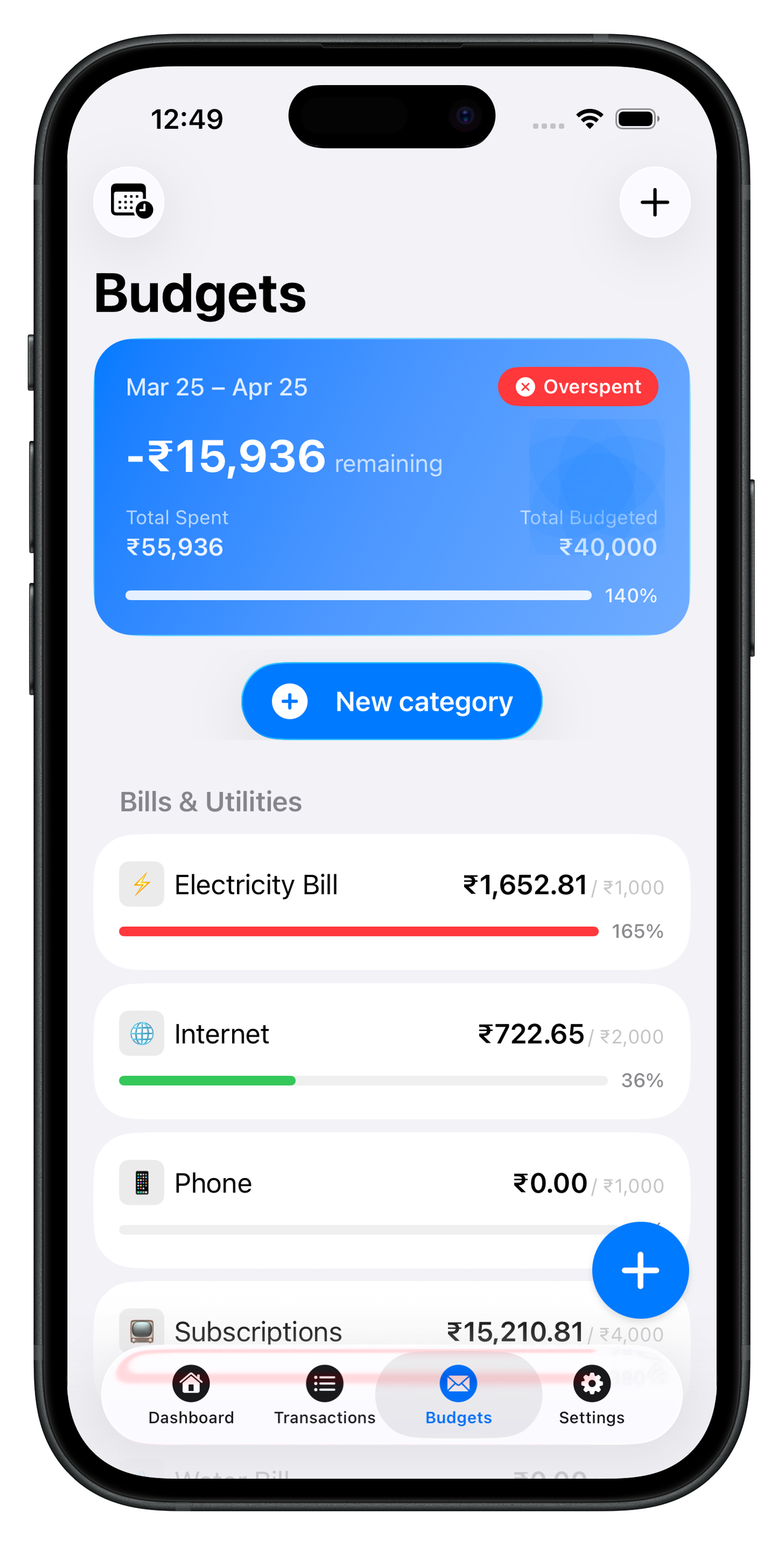
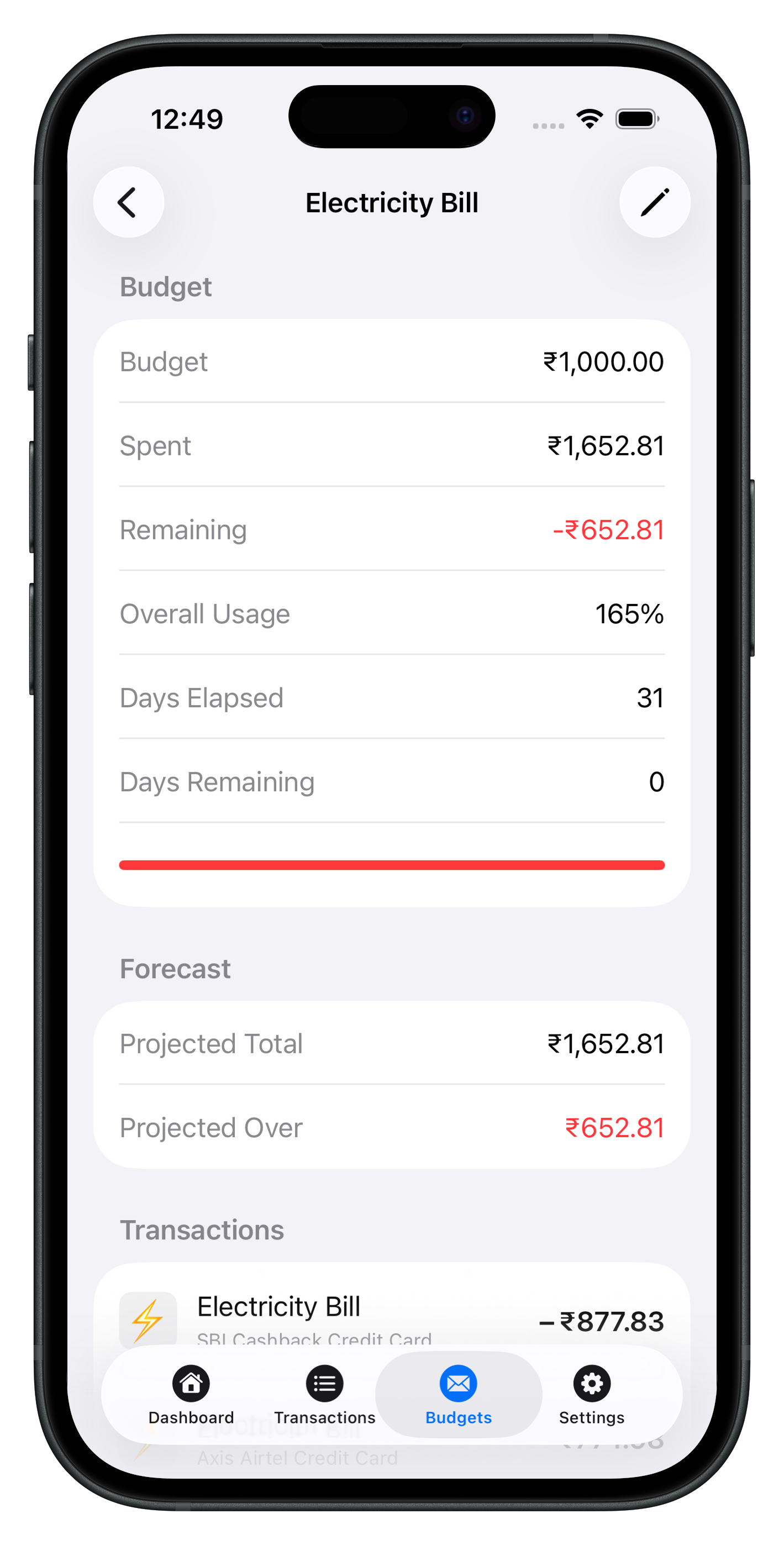
Atlantic on iPhone and iPad treats budgets as first-class: categories, remaining amounts, and transactions in one place. Optional sync keeps partners on the same data when you choose—see Sync & privacy.
Why an app beats a static file
Templates in PDF or Excel do not update when you buy gas. An app shows remaining per line as you log. That feedback loop is what turns a monthly budget template into behavior change.
Use Support for category setup, Atlantic Pro for advanced export, and the blog for deeper review habits.
See Atlantic on iPhone & iPad
Local-first speed, clear categories, and budgets that update as you log—no cluttered dashboards.
Download Atlantic Finance
Track your expenses, budgets, bills, and savings in one simple app.
Free to start on iPhone and iPad. Optional sync when you use more than one device.


FAQ
What belongs in a monthly budget template?
Income, fixed bills, variable spending categories, savings, and sinking funds for irregular costs. Each line should have a target amount and tie to how you log expenses.
Should I use a spreadsheet or an app?
Spreadsheets are fine for design; apps win for daily logging and live remaining balances. Many people sketch the template once, then run it in a budget app all month.
How do I handle irregular expenses?
Add a sinking-fund line—car repair, gifts, annual insurance—by dividing last year’s cost by twelve. When the bill hits, the money was already planned.
Can I copy last month’s template?
Yes. Duplicate category caps, then adjust one or two lines based on last month’s actuals. wholesale rewrites each month cause fatigue.
Does Atlantic include a monthly budget template?
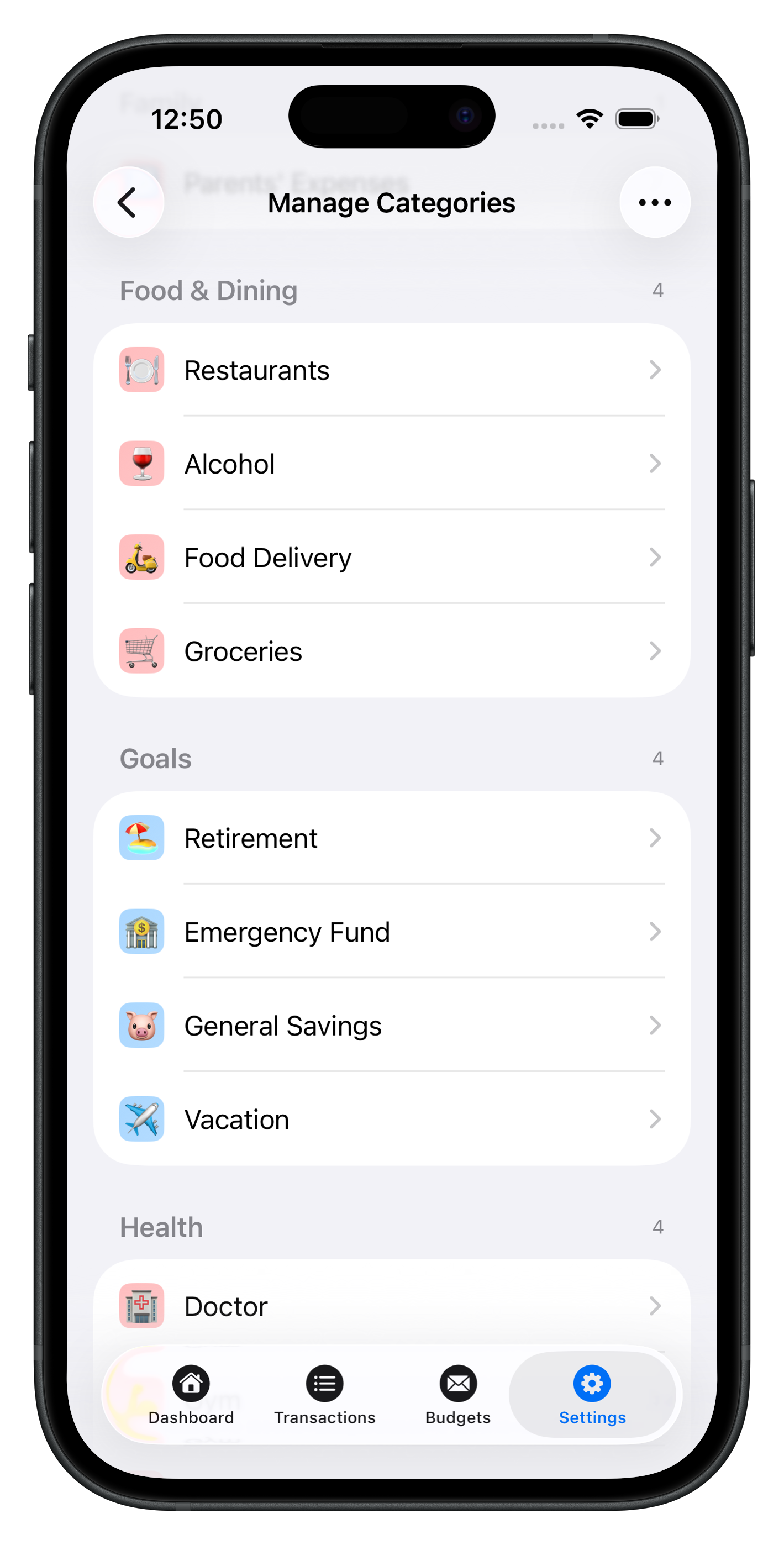
Atlantic uses flexible budget categories you set once and reuse. Recurring bills and payees speed up logging so the template stays accurate without manual re-entry.